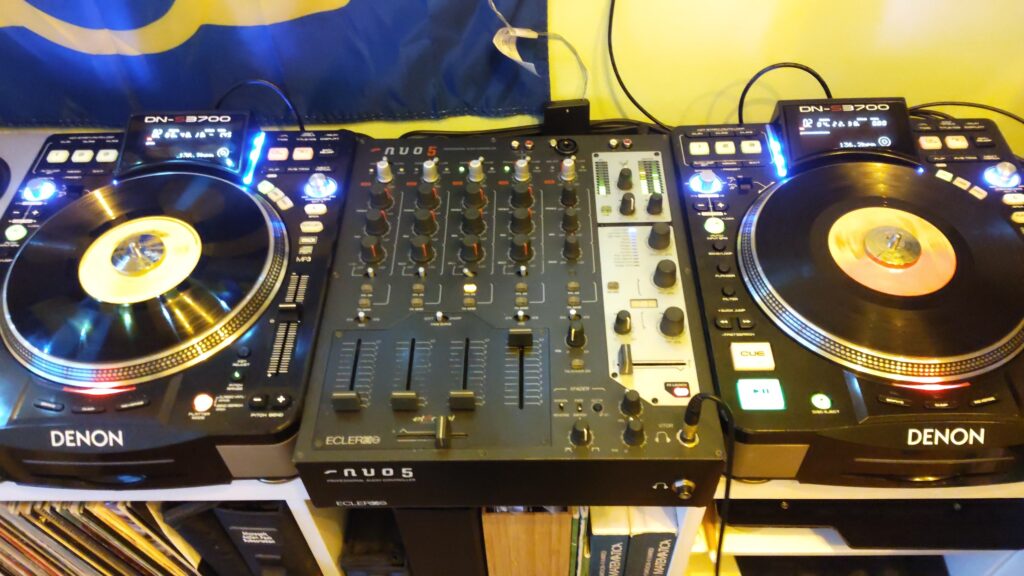
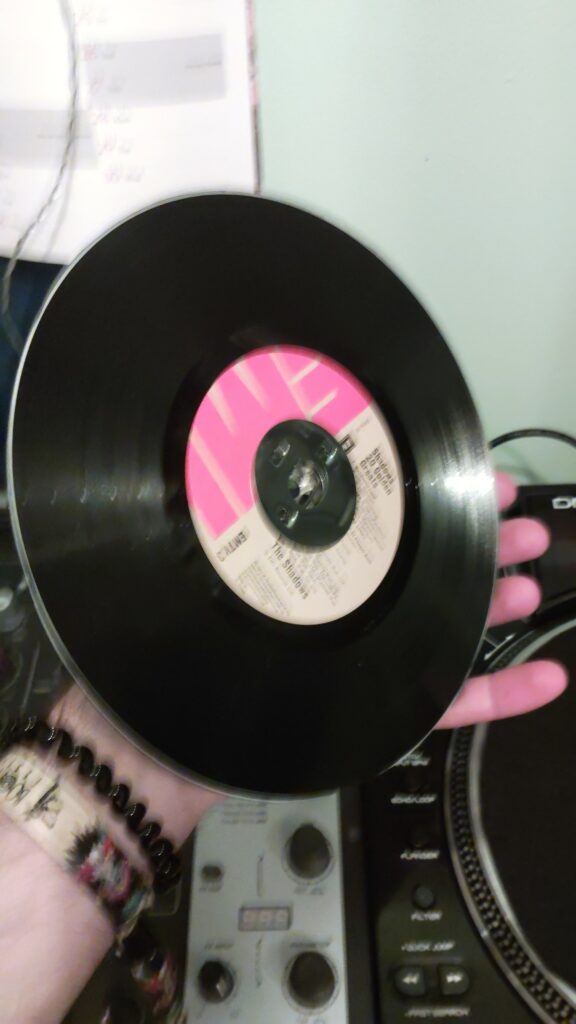
A while ago, I bought a couple of Denon DN-S3700 turntables that needed a bit of TLC. Despite some firmware upgrades and tune-ups, the two slipmats and vinyl jog wheels had different grip and feel. It’s almost impossible to find replacement vinyl jogs online, so I decided to replace them with real vinyl records, cutting them to size. Slipmats have been replaced too..
Even though the cutting isn’t perfectly accurate, the feel on both turntables is now exactly the same, and the look of real records adds a bit of style.
I’m planning to achieve a more precise cut by creating a frame, rather than doing it by hand.
I took the time to update and improve the tracker firmware, including removing secret references. It is now running quite stably on an Arduino UNO and SIM808 EVB-V3.2.4.
However, some issues arose when adding a monitor: memory usage needs to be optimized, and the SIM808 EVB-V3.2.4 requires a manual startup each time, which isn’t practical for real-world use.
Next, I’ll optimize the memory usage and then switch to a more compact board, such as the Arduino Pro Micro, which has slightly more SRAM.
A well-known issue with Sprinters is water leakage and condensation above the cabin roof. In our case, water has infiltrated through two main sources:
The antenna mount, which was repaired shortly after we purchased the van.
Condensation drips, which we only discovered a few weeks ago.
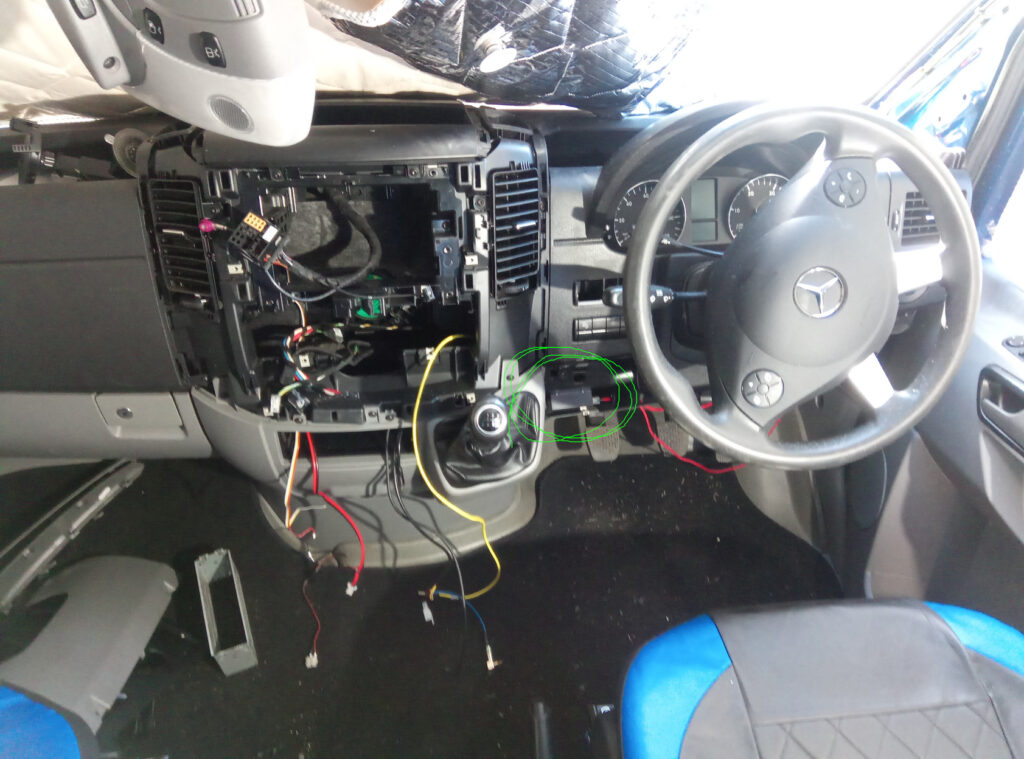
The water drips directly onto the dome light, which also houses the alarm controls. This has caused short circuits and accelerated oxidation of the circuit board.
Since condensation is difficult to eliminate entirely, I’ve decided to coat the board with a PCB sealant as a protective measure.
While traveling in Norway, we had the chance to test the Go version. Although the launcher was running fine and the video stream was handled (after some effort) directly by the app, we noticed that Navit isn’t ideal for route planning or on-the-road location searches.
For instance, it was not possible to select a point without having a postal address, and the real-time location feature felt a bit awkward because the screen wouldn’t refresh until the point reached the edge of the map frame.
In the end, we switched to using OrganicMaps on our phones.
Since there don’t seem to be any good open-source or free options to replace Navit for desktop environments, I decided to switch to Android with LineageOS (Konstagang port).
This setup is essentially like having a phone, but it comes with its own pros and cons:
Cons:
Booting time is quite long, taking nearly a minute to load.
While the interface can be customized, it doesn’t allow for creating one entirely from scratch to meet specific needs.
Pro:
A wide selection of mobile-native apps (e.g., OBD2 interfaces, video recording, music players, sensor readers, etc.).
The ability to set up custom hardware buttons using the Raspberry Pi’s GPIO pinouts.
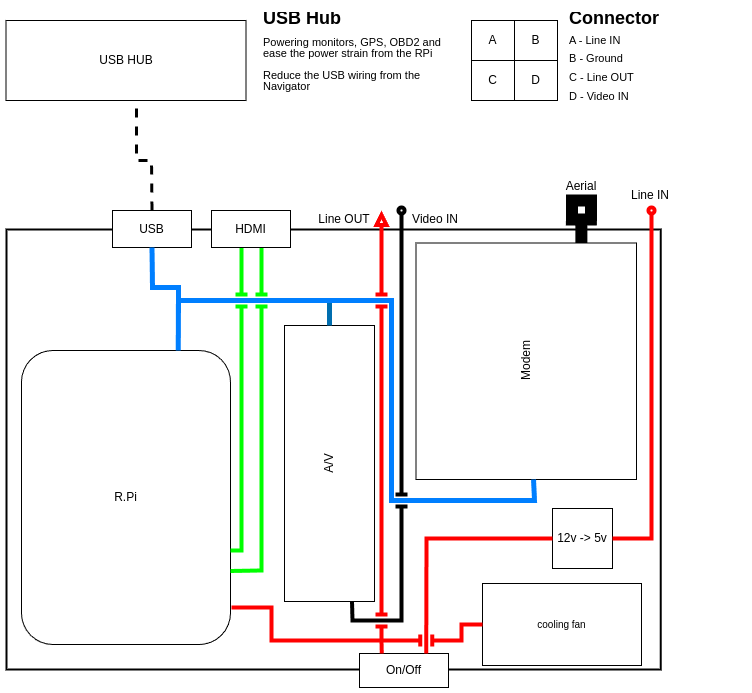
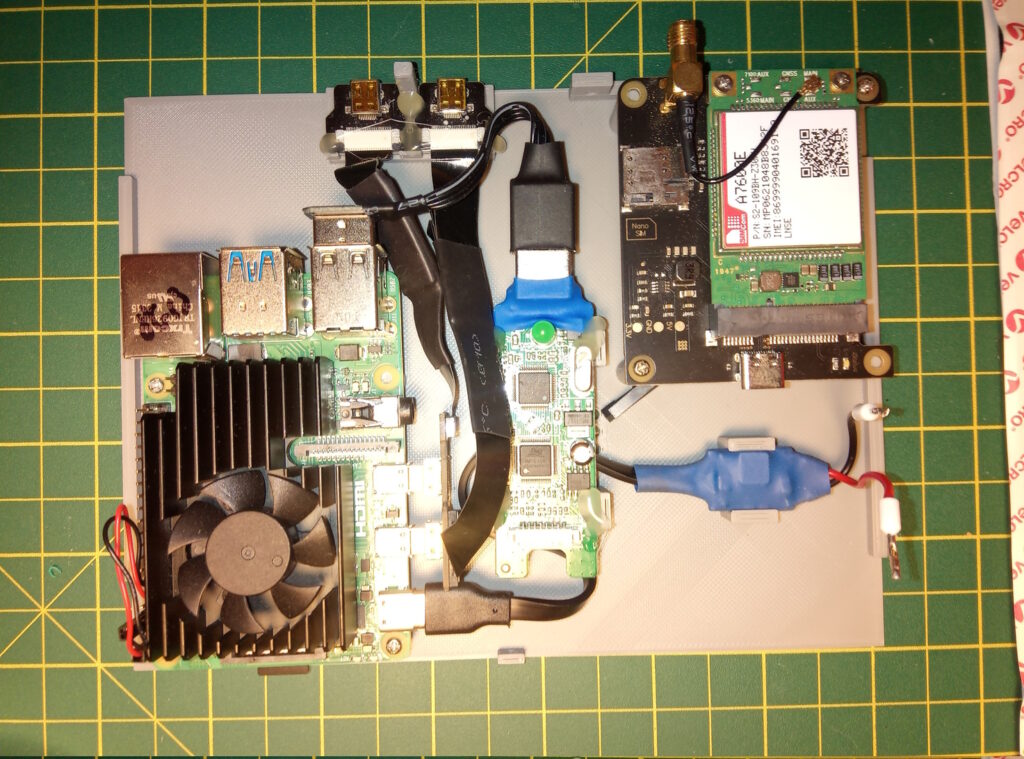
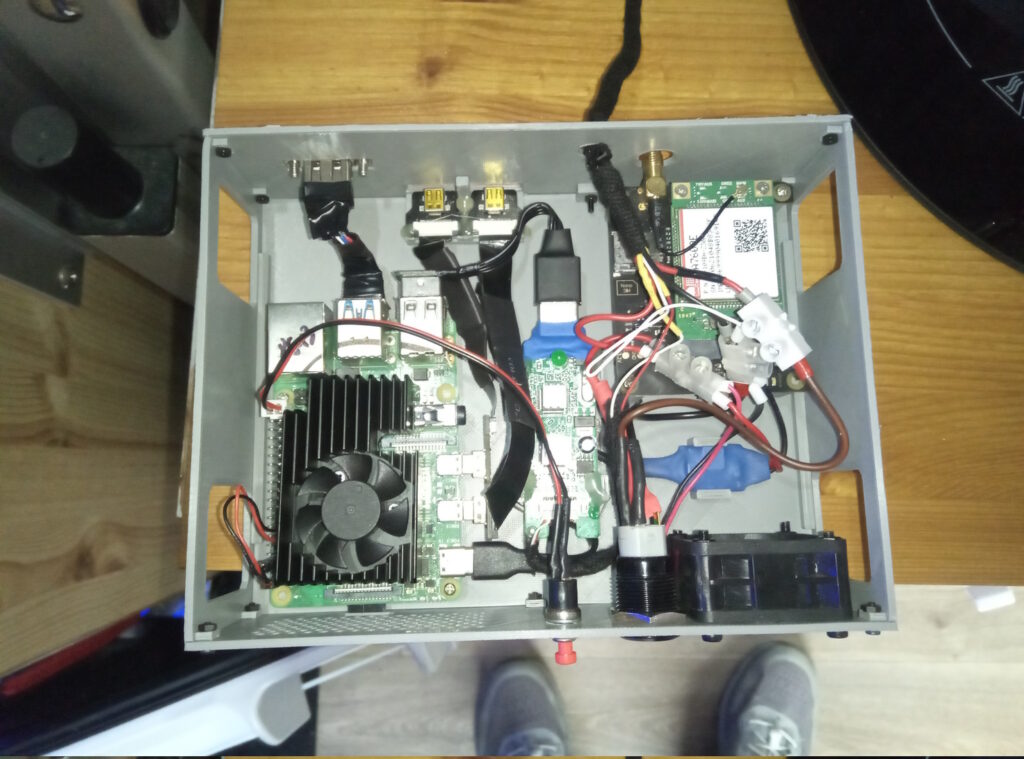
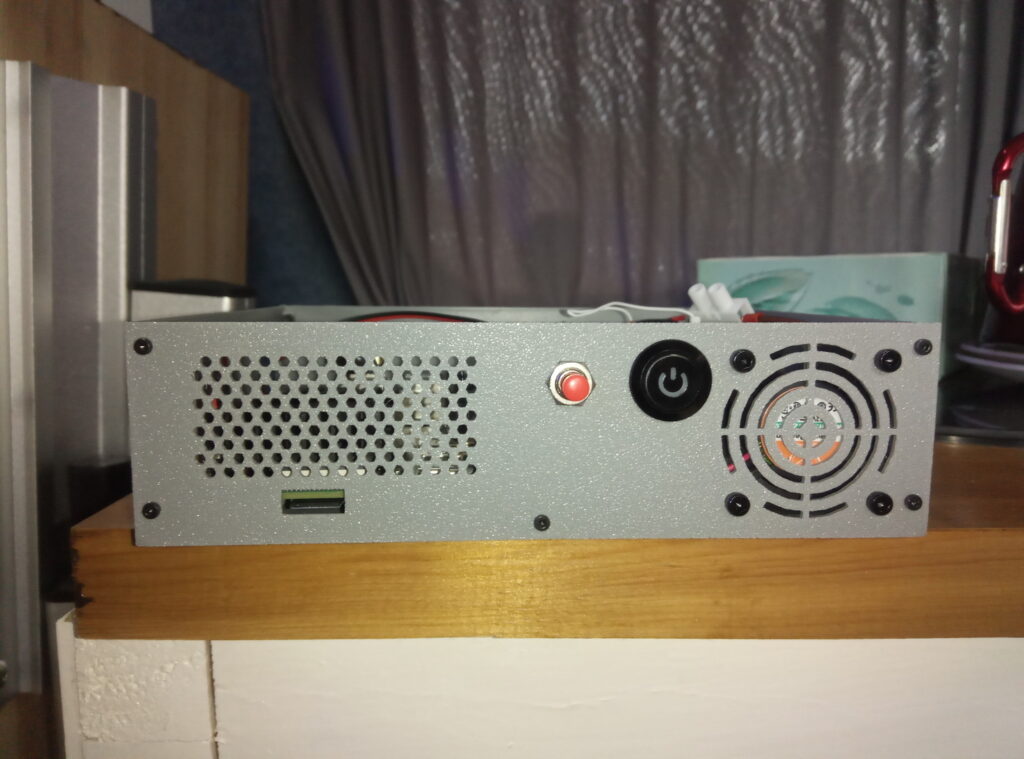
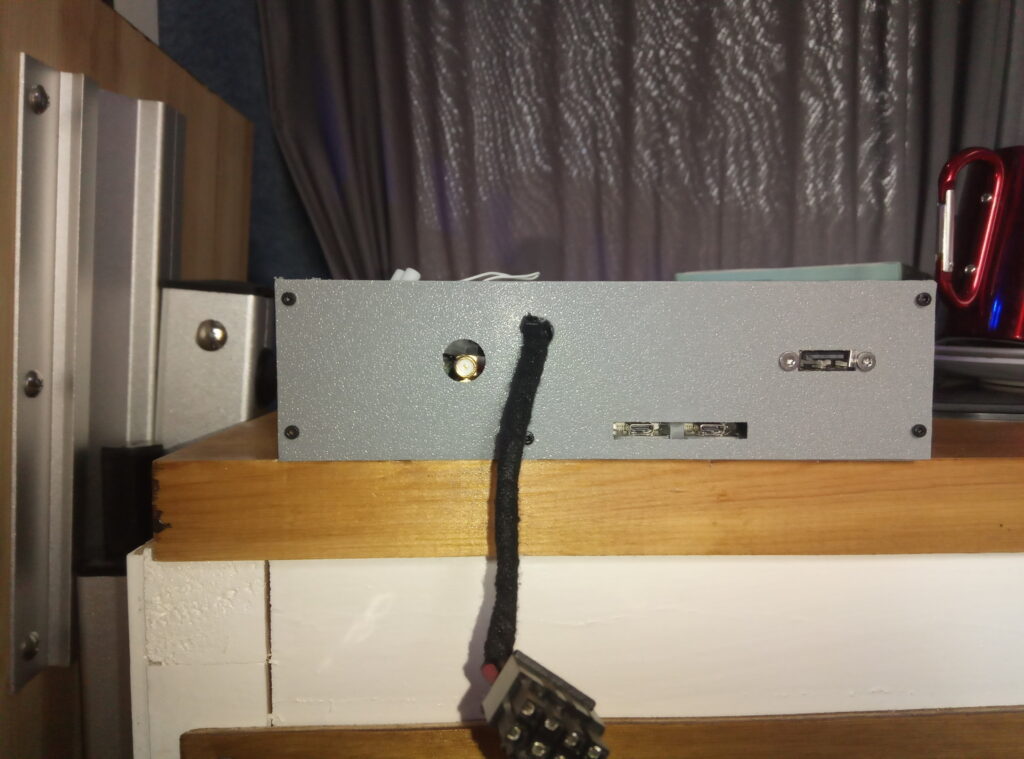
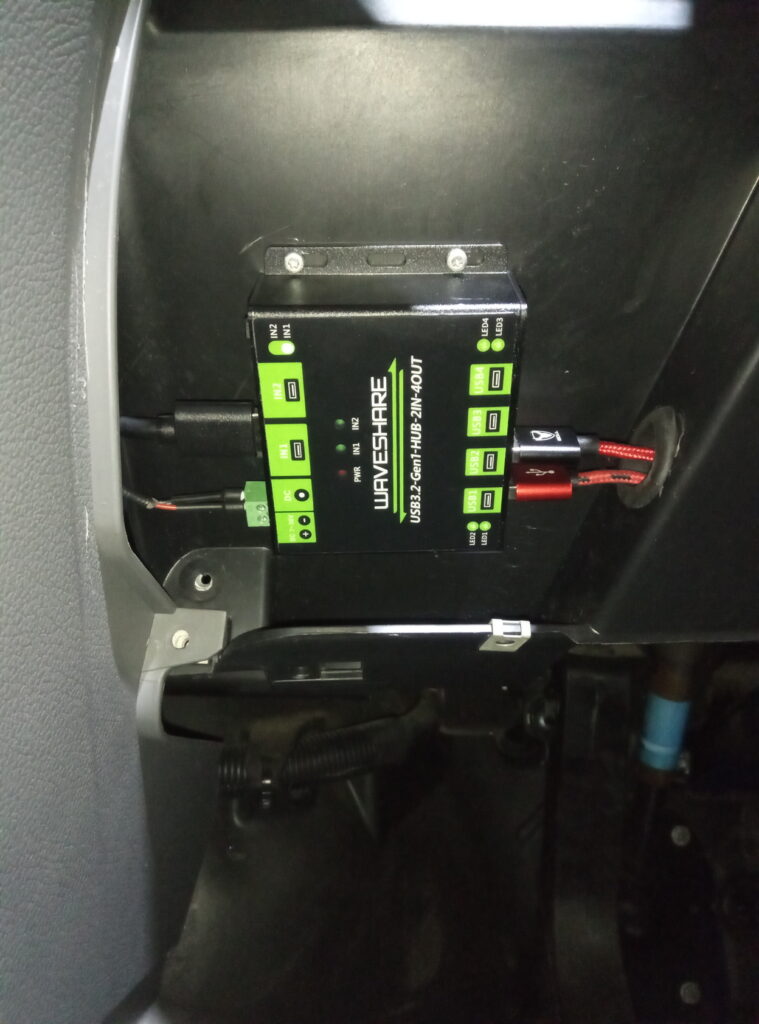
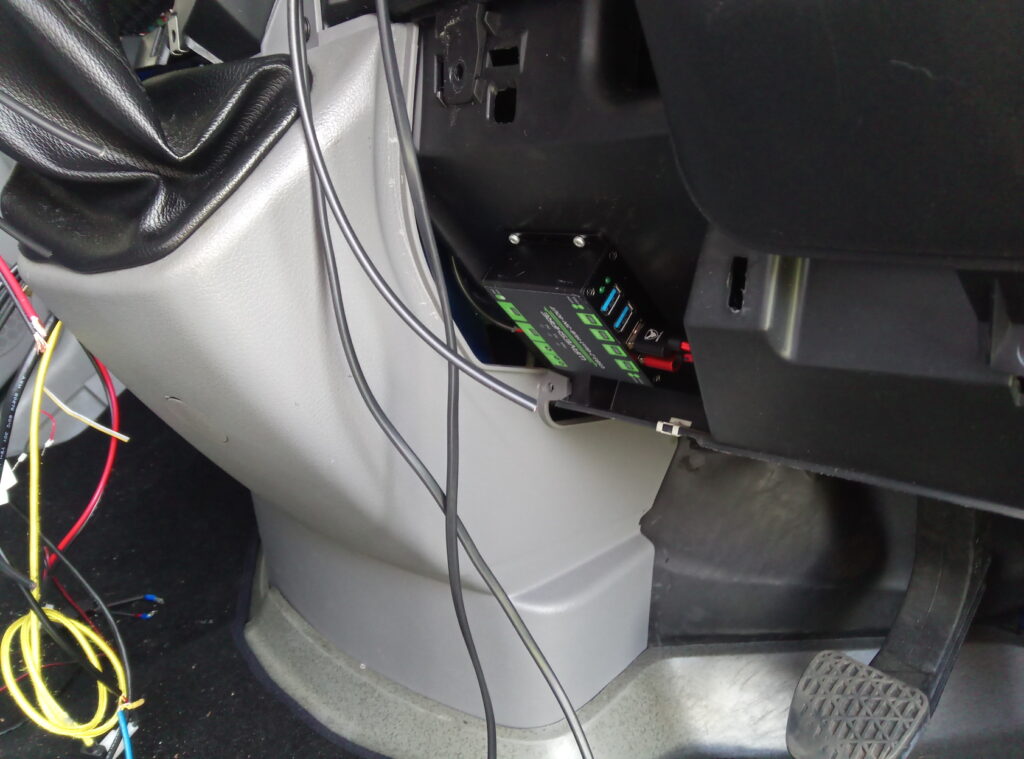
The overall scheme has been redesigned as well. An external USB hub now handles the screens, and a modem has been integrated directly into the Navigator case.
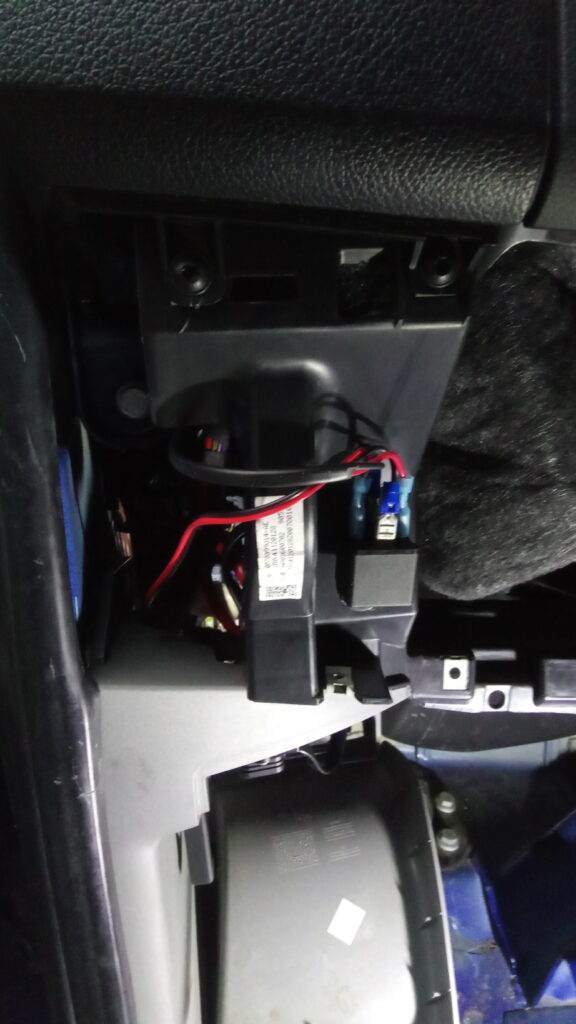
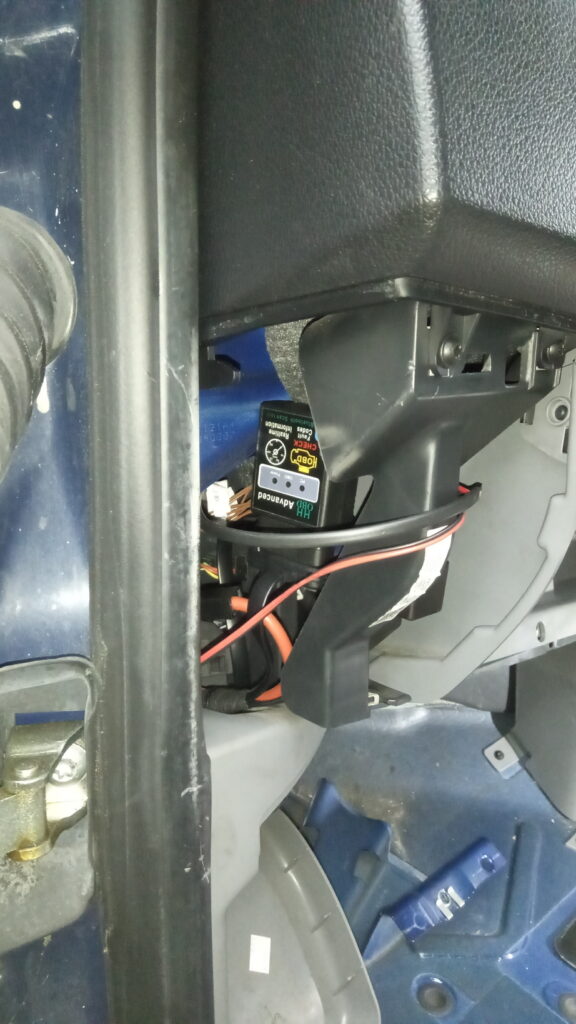
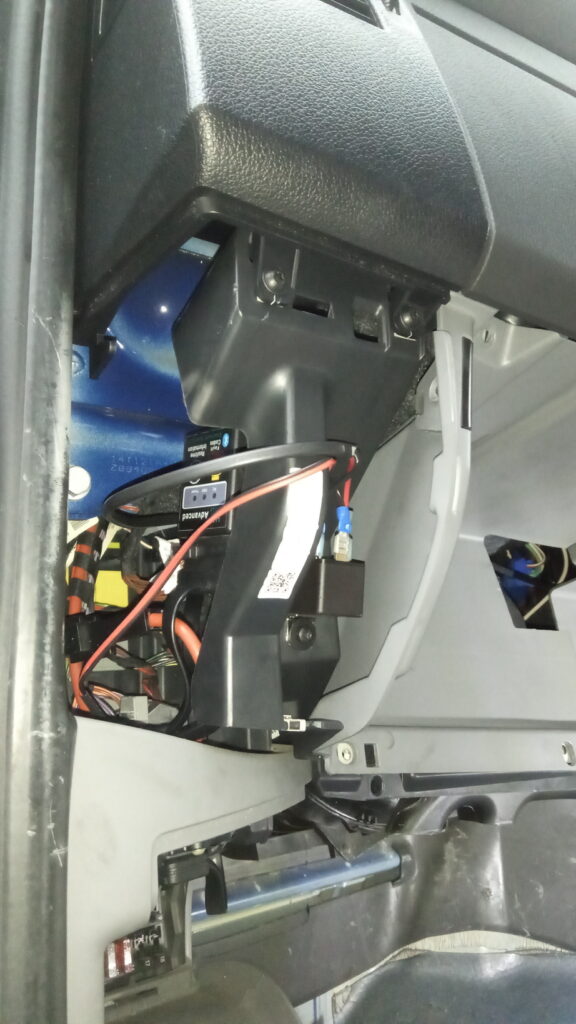
Additionally, an OBD2 Bluetooth scanner is activated via a relay connected to the Navigator’s switch.
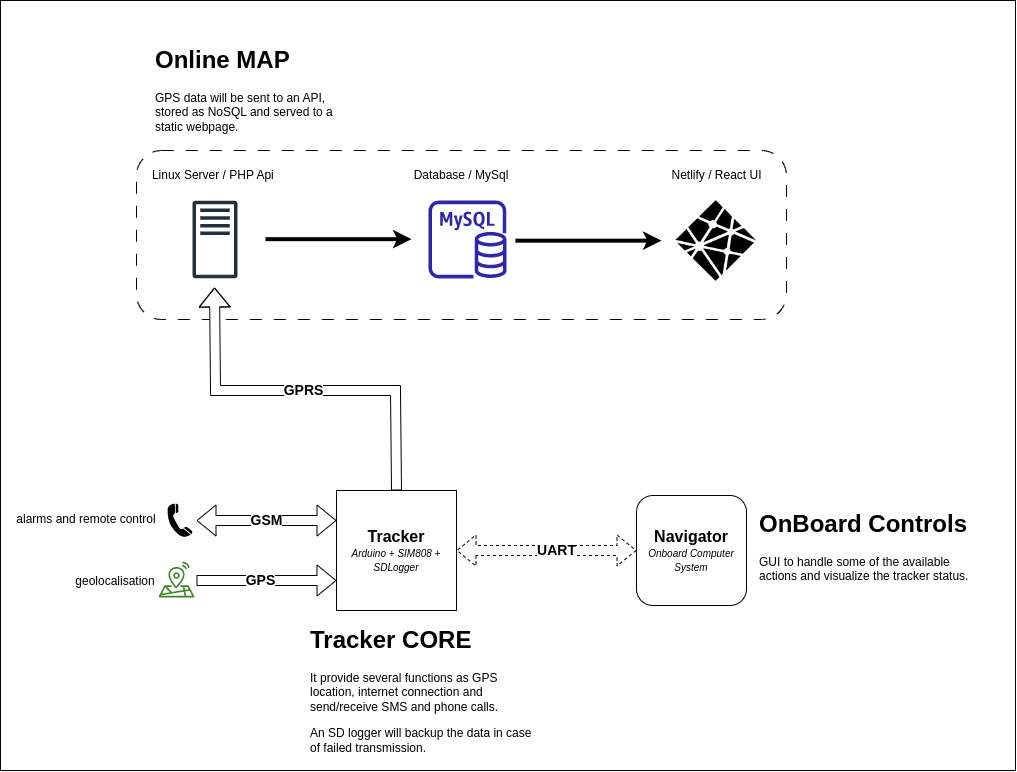
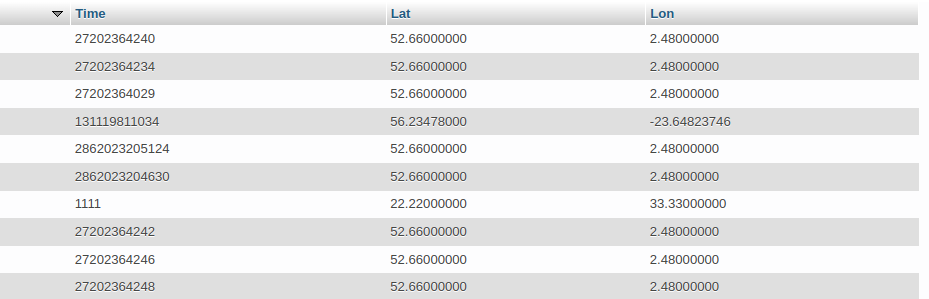
Some problems with the tracker has been solved, and I am now able to log time and coordinates in a database. Following the amended design:
Using CloudFront to redirect the non-SSL traffic didn’t work so I manually setup my server to accept non-SSL traffic on specific paths and redirect any other traffic to HTTPS.
A quick test with a API (written in PHP) has been successful, and the GPS data and timestamp has been recorded into the database (MySQL).
The GPRS connection still unstable and I am not 100% satisfied by the library (SFRobot_SIM808) and most likely I will create my own one using the AT commands.